
Homes, cars, savings, investments, other funds and businesses
Your whole
financial
picture.
One free workspace, on your laptop and on your phone, with your numbers stored on your device.
No sign-up, and no accounting to learn.


For example
One tap between work and home.
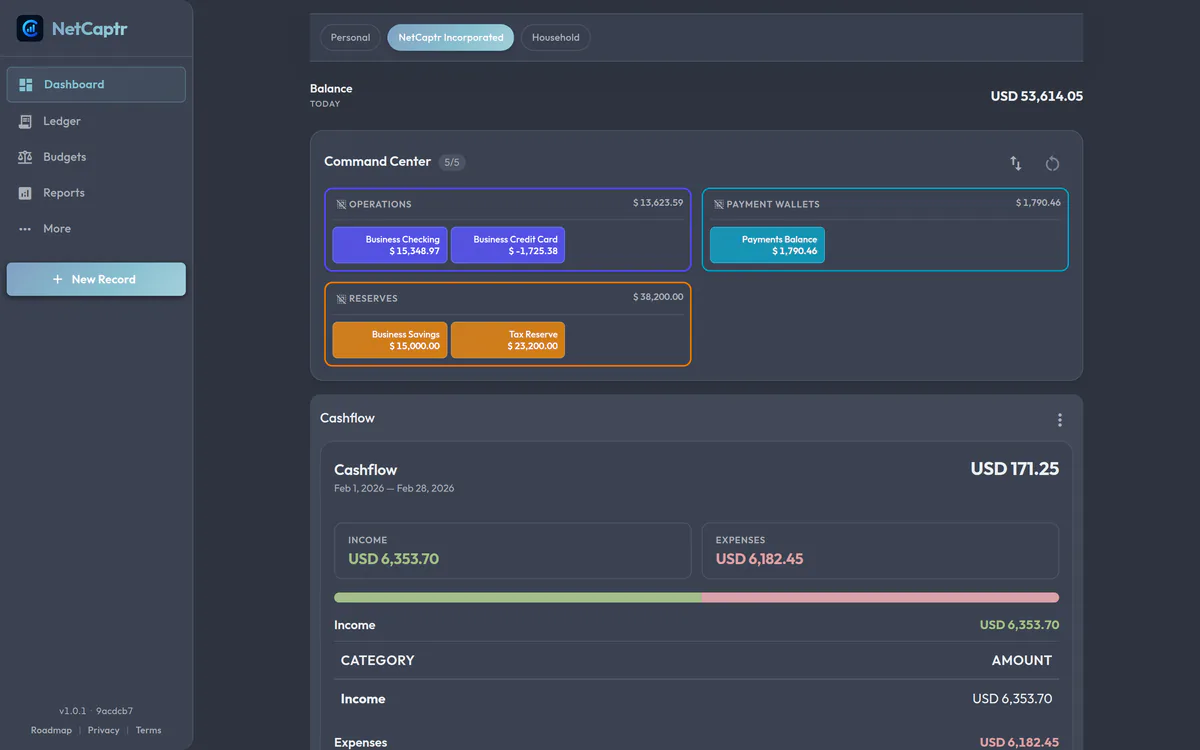
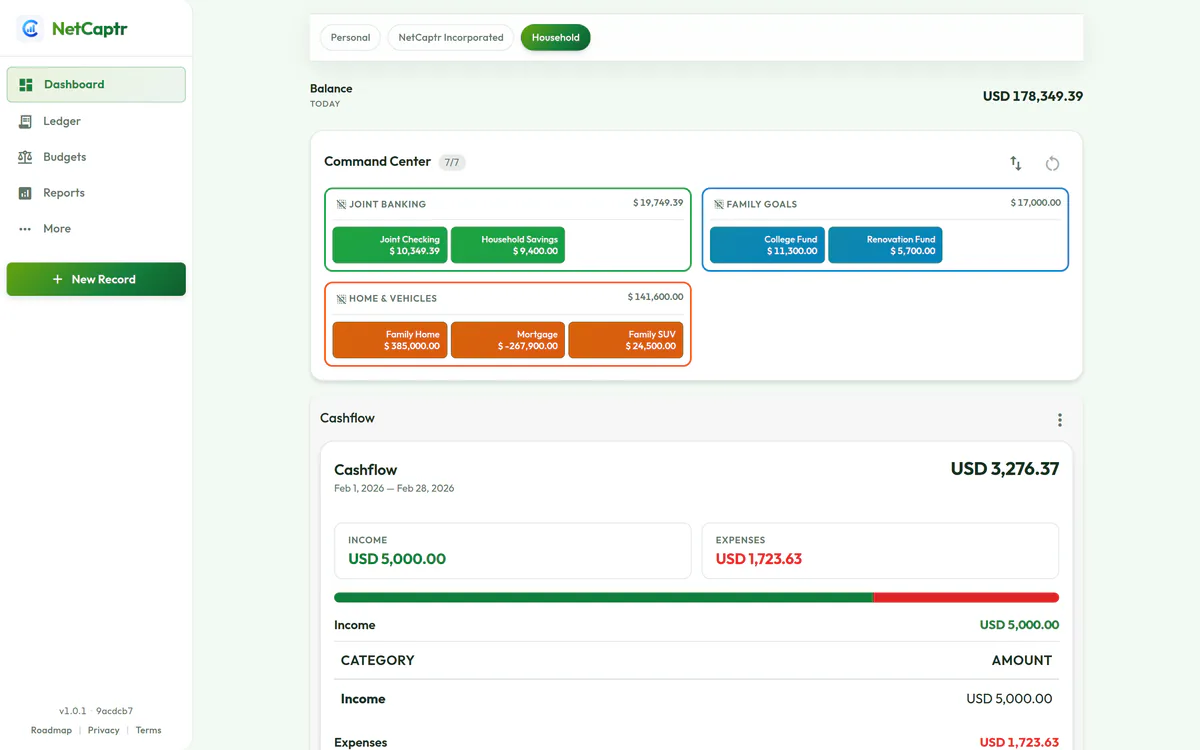
Set up a work side and a personal side. Each keeps its own accounts, its own layout and its own colors. Switch at the top of the screen and everything follows: balances, budgets, charts.
When one payment belongs on both sides, a rule you write once copies it across for you.
Less typing
Set them up once. Rent and salary enter themselves.
Set up the payments that repeat — rent, salary, subscriptions, the loan — and they arrive on the right dates from then on. Confirm, move or skip each one.
Want more off your hands? Write a rule once: when a transaction looks like this, do that. It runs before the transaction is saved, and you can look back at what it changed.

Ahead of it
See December before it gets here.
Put a cap on any kind of spending, for a week, a month or a year. Each row shows what you spent, what is left and where the line is.
Switch on what is still to come and the charts carry past today, so next month is already on the screen.


Yours
Nobody else can see your money.
Your transactions are kept by your browser, on your device. There is no NetCaptr server holding them and no trackers anywhere. After the first visit it keeps working with no internet at all.
Want it on your laptop and your phone? Connect your own Google Drive and NetCaptr keeps one backup there, in a private folder nothing else can open. You can download all of it as a file whenever you like.
One thing to know: NetCaptr does not connect to your bank, so you enter your transactions yourself, or set the repeating ones up once and let them run.
Start
Open it and add your first account.
No sign-up, no download, nothing to pay. Five short steps and you are looking at your own numbers.
Free. Works on your phone.